Public vs Private Wishlists: Which Visibility Setting Should You Use?
A clear guide to public vs private wishlists, with simple examples to help you choose the right visibility setting for birthdays, registries, and small-group plans.
Public vs Private Wishlists: Which Visibility Setting Should You Use?
If you want easy sharing, a public list can be simpler; if you want to limit access to invited people, a private list fits better. The right choice depends on who should be able to open the list and how openly you want to share it.
What visibility settings are for
Wishlist visibility settings help you control who can open and view a list. On create-wishlist.com, you can make a list public for easy sharing or private for invited people only. That makes the choice useful for real group plans like birthdays, registries, and friend-group gifting.
When a public wishlist makes sense
A public wishlist works well when you want simple sharing with one link and minimal explanation. Examples include birthdays and registries when broad sharing is the goal.
When an invite-only list is the better fit
An invite-only list is a better fit when you want only specific people to open it. The site says private lists are for invited people only, which can be useful if you are sharing with a smaller group or want more control over access. That can be a practical choice for family plans, partner gifts, or any list you do not want broadly visible.
How to decide which setting to use
A simple way to decide is to ask: who can see my wishlist, and who actually needs access? If you want easy discovery and fast sharing, public is the simpler option. If you want a smaller audience, private is the safer choice. You can also match the setting to the occasion: public for broader events, private for tighter groups.
Practical examples
Here are a few straightforward ways to think about wishlist visibility settings:
- Birthday with many guests: use a public wishlist so it is easy to share.
- Baby registry: use a private list if you want invited people only.
- Partner or family occasion: choose the setting that matches who should be included.
- Small friend-group plan: keep it private if you want a limited audience.
These examples are suggestions, not rules. The best setting is the one that matches your audience and your comfort level with sharing.
A quick next step
For easy sharing, choose public. For invited people only, choose private. Then create the list, add items from your favorite shops, and share it with the people who need the link.
This article was drafted with AI assistance and checked through automated source and evidence review before publication. Images are generated with AI.
Make your list easier to share
Collect wishes, keep gift ideas in one place, and help friends avoid duplicates.
Read next
More practical ideas for smoother gifting.
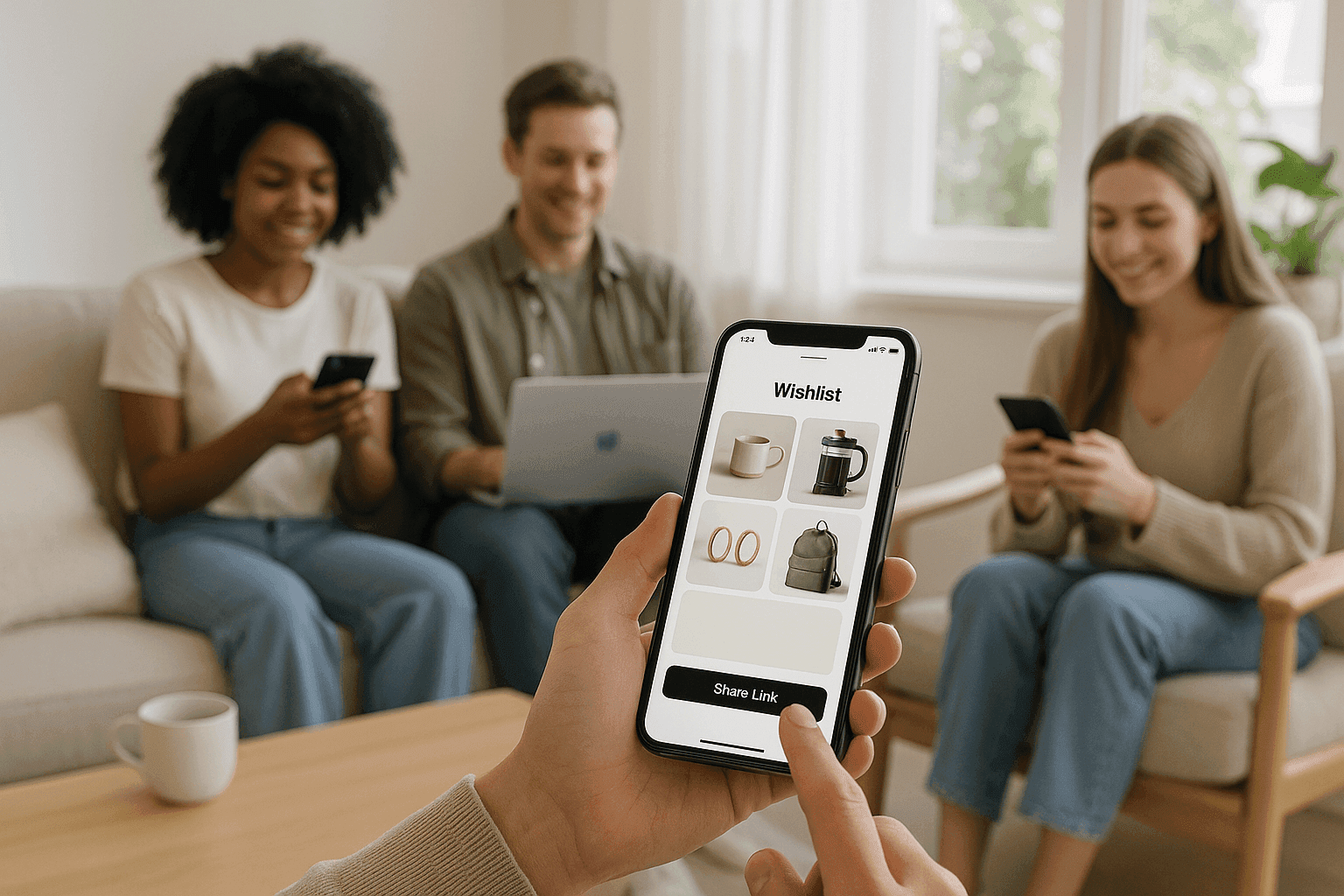
How to Share a Wishlist With One Link So Friends Can Open It Instantly
Learn how to share a wishlist with one link so friends can open it instantly, with privacy controls and gift reservations that help avoid duplicates.
What to Put on a Wishlist When You Want to Share It With Family and Friends
A practical guide to what belongs on a shareable wishlist, including what to include, how to share it with family, and how to avoid duplicate gifts.

How to Plan a Group Gift Wishlist Without Confusing the Whole Friend Group
The site says gift reservations make it safer from duplicate gifts.